
Workshop accounting software integrations.
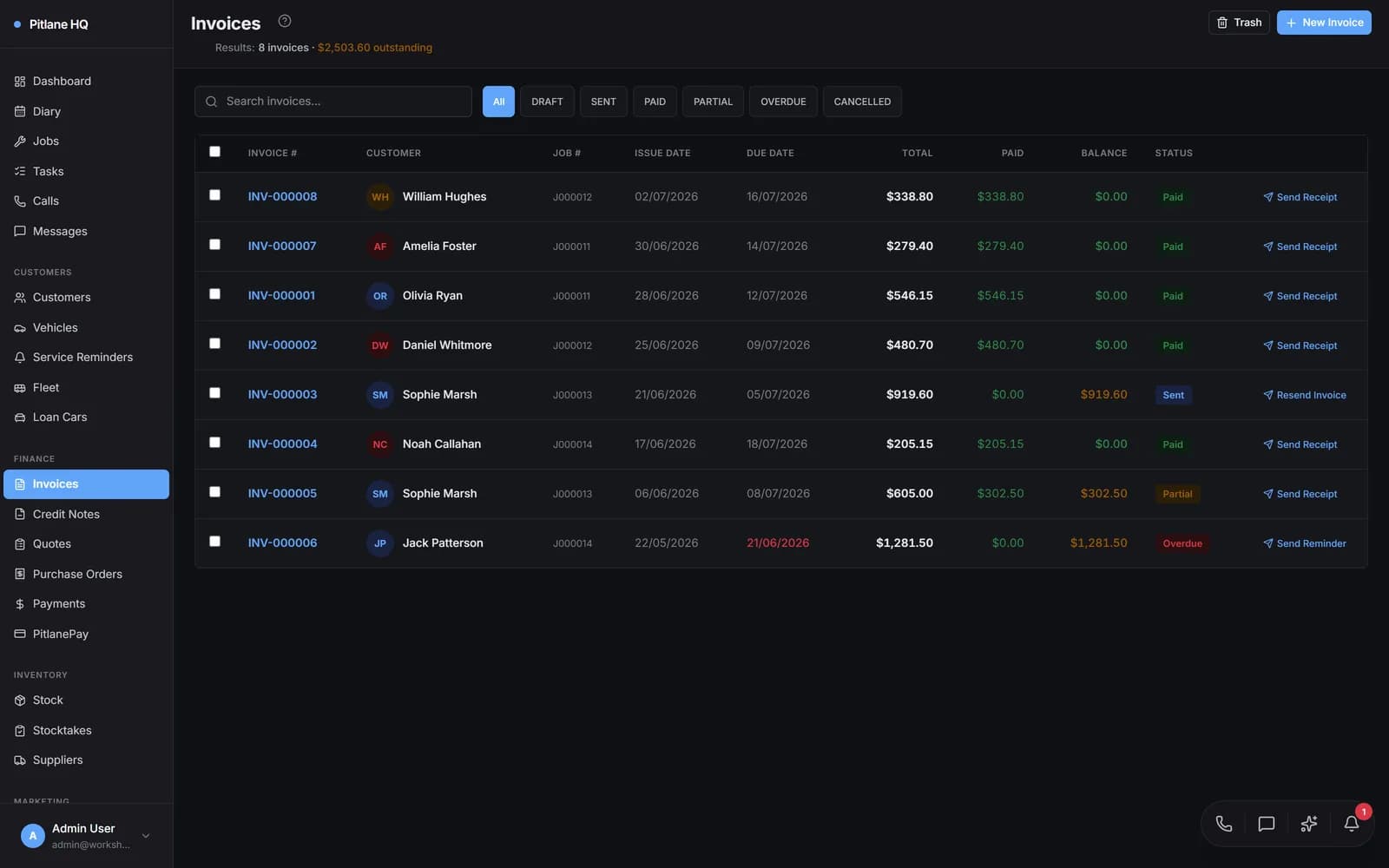
Accounting software for Australian workshops. Finalised invoices can push to Xero or QuickBooks Online once connected; imported invoices are excluded, and pushes pause while records are being linked or the accounting connection is changing. Review sync status in Settings.
- XERO
Push eligible finalised invoices to Xero.
- QBO
Push eligible finalised invoices to QuickBooks Online.
- CREDITS
Eligible credit notes and refunds can push too. A credit note can be applied to an invoice.
Invoice in the workshop, push to your accounts.
Finalised invoices can push to Xero or QuickBooks Online once connected; imported invoices are excluded, and pushes pause while records are being linked or the accounting connection is changing. Customers can use the EFT bank details on the invoice PDF when configured and included in your document layout.
GST done right, every time.
GST-inclusive pricing is supported across the portal, PDFs, and emails — one toggle. The accounting sync exposes the GST-exclusive subtotal + GST line to the right ledger account in your chart of accounts.
Credit notes and refunds sync, not just invoices.
Eligible credit notes, allocations, voids and refunds can be pushed to Xero or QuickBooks Online, subject to the connection, sync settings and provider support. Review sync results in Settings → Accounting.
Onboard without a manual export/import.
On connect, PitlaneHQ backfills your existing contacts and invoices so old and new data line up — with a live progress bar, not a CSV juggle. Existing Xero contacts are matched to your customers first, so you can link, skip, or create each one and never end up with duplicates.
Common questions.
- Does it support Xero AU + NZ?
- Yes — the org locale is read from your Xero account. AU sees BAS-friendly tax codes; NZ sees IRD GST.
- What about chart of accounts mapping?
- Use Revenue Accounts in Settings → Accounting to map revenue by site, job category, sale type and line-item type. The most specific matching rule is used; without a matching rule, the provider fallback applies.
- How do I know the ledgers actually match?
- Review status and errors in Settings → Accounting. With the accounting.sync permission, the inbound panel offers Sync Now. Push all is Xero-only and queues eligible invoices from the outbound panel. You need both accounting.sync to open the panel and accounting.push-invoice to use Push all.
Connect a sandbox in five minutes.
Demo connects a sandbox Xero org and pushes a real invoice end-to-end.